

Download of the Simplified Chinese Version of the Terminator Software Disc
Terminator Software Disc (disc size: 688MB, suitable for CD burning of 690~700MB, re-uploaded and slightly modified):
First, adjust the BIOS to set the CD-ROM as the first boot device.
When just starting up, press and hold for 3 seconds as indicated by the progress bar (or press Esc to skip directly to the main menu):
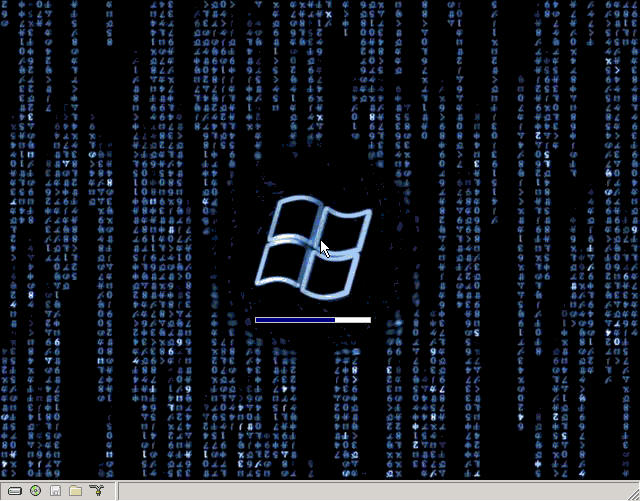
Start entering the simple main menu
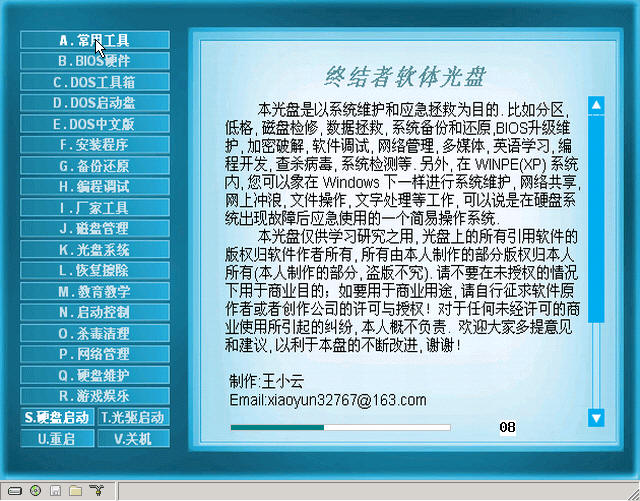
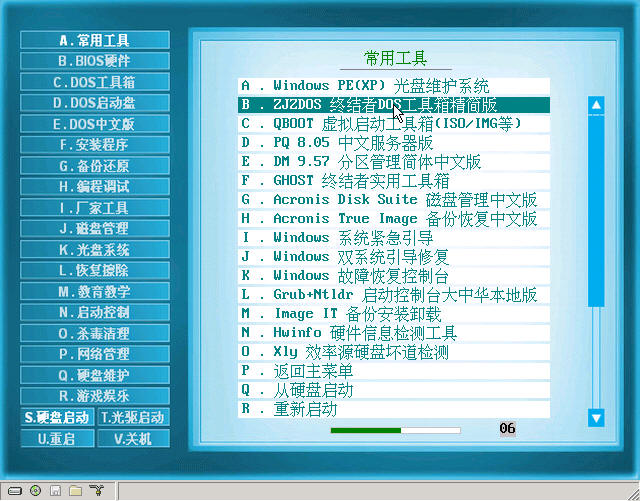
If no selection is made, it will switch to the common tools menu after 15 seconds
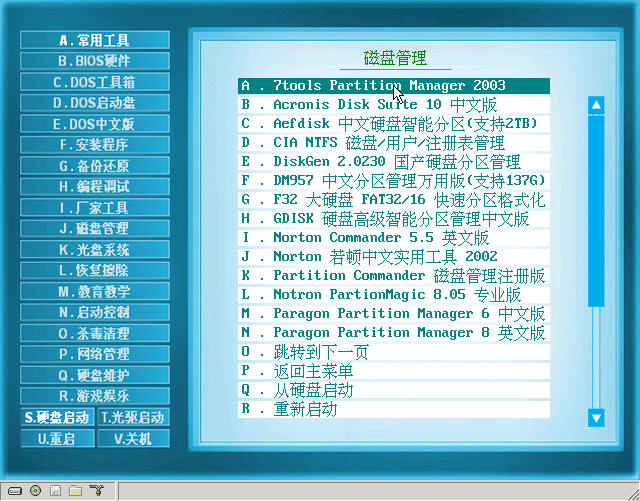
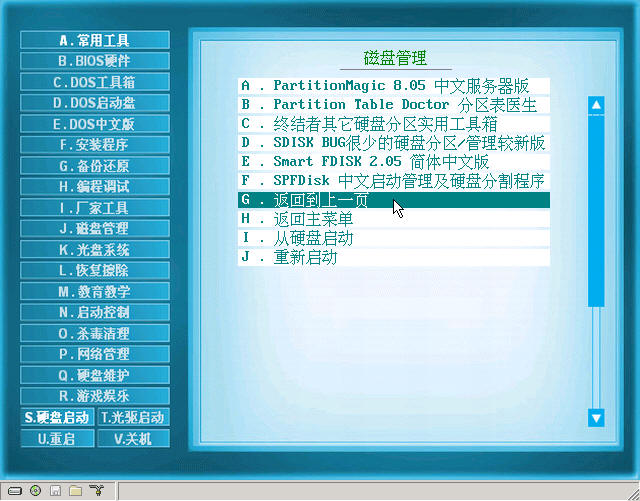
Below is a simple example of disk management show:
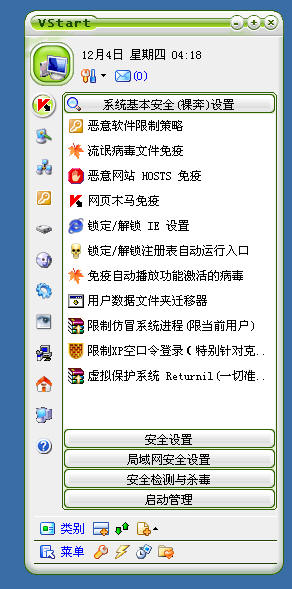
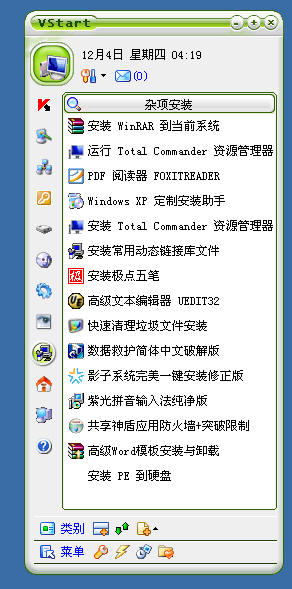
The sound speed startup menu of this disc under Windows, let's intercept two pictures:
Download page (re-uploaded and slightly modified):
http://www.rayfile.com/files/fca010ee-d025-11dd-b108-0014221b798a/ Link is invalid (Administrator's note)
Terminator Software Disc (disc size: 688MB, suitable for CD burning of 690~700MB, re-uploaded and slightly modified):
First, adjust the BIOS to set the CD-ROM as the first boot device.
When just starting up, press and hold for 3 seconds as indicated by the progress bar (or press Esc to skip directly to the main menu):
Start entering the simple main menu
If no selection is made, it will switch to the common tools menu after 15 seconds
Below is a simple example of disk management show:
The sound speed startup menu of this disc under Windows, let's intercept two pictures:
Download page (re-uploaded and slightly modified):
http://www.rayfile.com/files/fca010ee-d025-11dd-b108-0014221b798a/ Link is invalid (Administrator's note)

生命源头 → www.shengmingyt.cn
